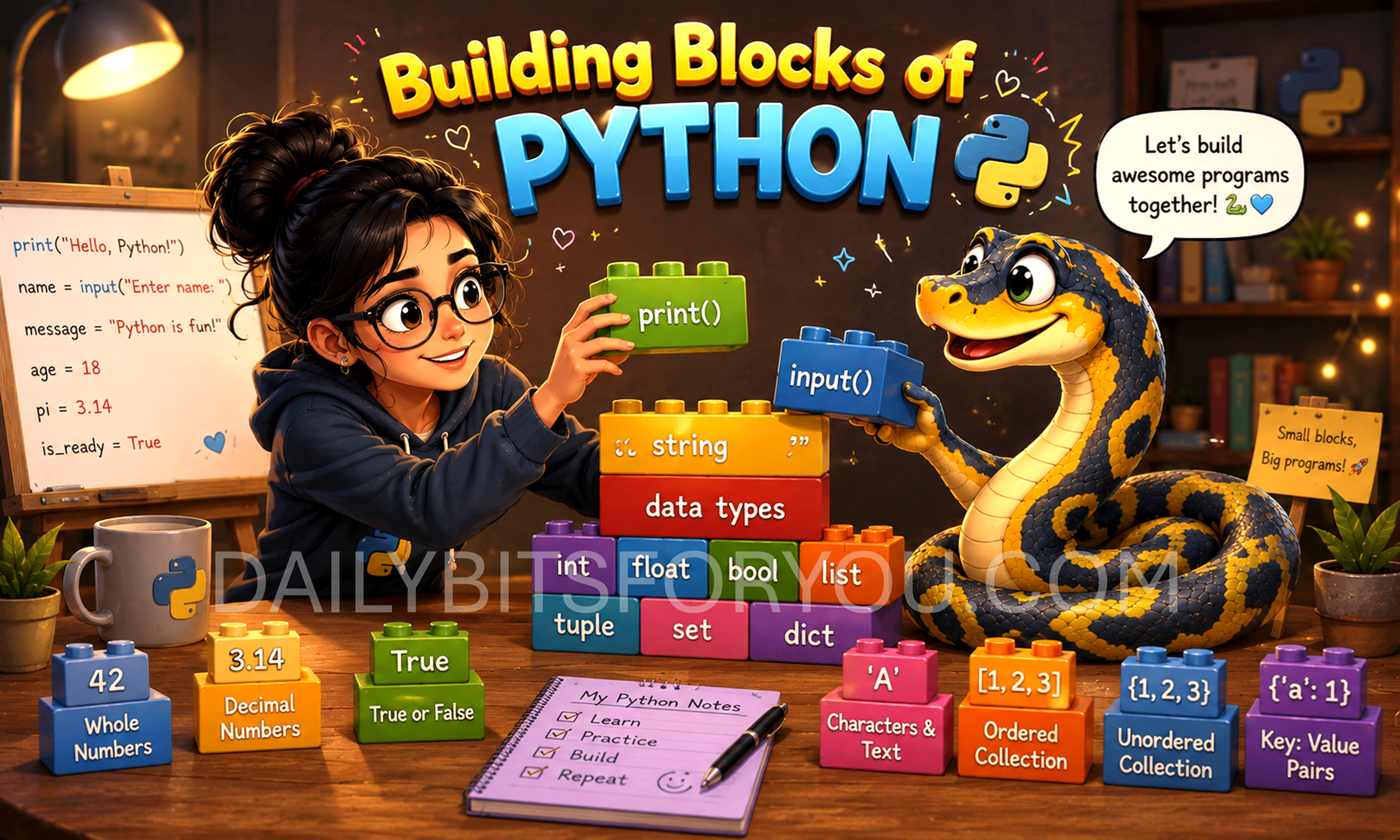
When we start learning Python, there are only a few things we need to know before we can begin writing useful programs.
These are:
🟢print() – Displaying output
🔴Variables – Storing information
🟢Data Types – Understanding what kind of data we are working with
🔴input() – Accepting information from the user
Let’s learn each of them one by one!
1. print() – Displaying Output
The print() function is one of the first things every Python programmer learns.
It is used to display information on the screen. Anything you want your program to say to the user can be shown using print().
The word or sentence must be written inside quotation marks.
EXAMPLES
Input
print("Hello, World!")
Output
Hello, World!
You can print numbers too.
Input
print(25)
Output
25
You can even print multiple things together.
Input
print("My age is", 15)
Output
My age is 15
⚠️REMEMBER⚠️
🟢Text should be written inside quotation marks (" " or ' ').
🟢Numbers do not need quotation marks.
2. Variables – Storing Information
A variable is like a labelled box that stores information.
Imagine you have a box with the label Name. Inside it, you keep the word “Alice”. Whenever you need that name, you simply use the label instead of writing “Alice” again.
In Python, we create a variable using the equals sign (=).
EXAMPLE
Input
name = "Alice"
age = 15
Here,
🟢name stores the word "Alice"
🟢age stores the number 15
Once a value is stored, we can use it whenever we want.
name = "Alice"
print(name)
Output
Alice
Variables make our programs easier to read and easier to update.
3. Data Types – Different Kinds of Data
Python stores different kinds of information in different ways.
These are called data types.
The four basic data types beginners should know are:
1. String (str)
Strings store text.
city = "London"
Examples:
“Hello”
“Python”
“India”
2. Integer (int)
Integers store whole numbers.
age = 20
Examples:
5
100
-25
3. Float (float)
Floats store numbers with decimal points.
height = 5.8
Examples:
3.14
7.5
12.75
4. Boolean (bool)
Booleans store only two values.
is_student = True
Possible values are:
True
False
Booleans are often used when checking conditions.
4. input() – Accepting User Input
Until now, we have written all the information ourselves.
But what if we want the user to enter their own name?
If we want the user to enter their own name, Python provides the input() function.
The program waits until the user types something and presses Enter.
EXAMPLE
Input
name = input("Enter your name: ")

print("Hello", name)
Sample Output
Enter your name: Alice
Hello Alice
The text inside input() is called a prompt. It tells the user what information they should enter.
Another Example
colour = input("What is your favourite colour? ")

print("Your favourite colour is", colour)
Sample Output
What is your favourite colour? Blue
Your favourite colour is Blue
A Small Program Using Everything Together
print("Welcome to Python!")

name = input("What is your name? ")
age = input("How old are you? ")

print("Hello", name)
print("You are", age, "years old.")
Sample Output
Welcome to Python!

What is your name? Emma
How old are you? 14

Hello Emma
You are 14 years old.
Final Thoughts….
🟢These four concepts are the foundation of almost every Python program.
🟢Once you understand how to display information, store data, identify different data types, and receive input from the user, you are ready to start writing interactive programs.
Great content! Keep up the good work!